


Comparison guide · Office chairs & seating · 04
Office chairs with arms vs without arms: will they work at your desk?
Armrests can be useful, but not when they stop the chair getting close enough to the desk. This is a workstation-fit decision, not a simple more-features-is-better choice.
Get the short answer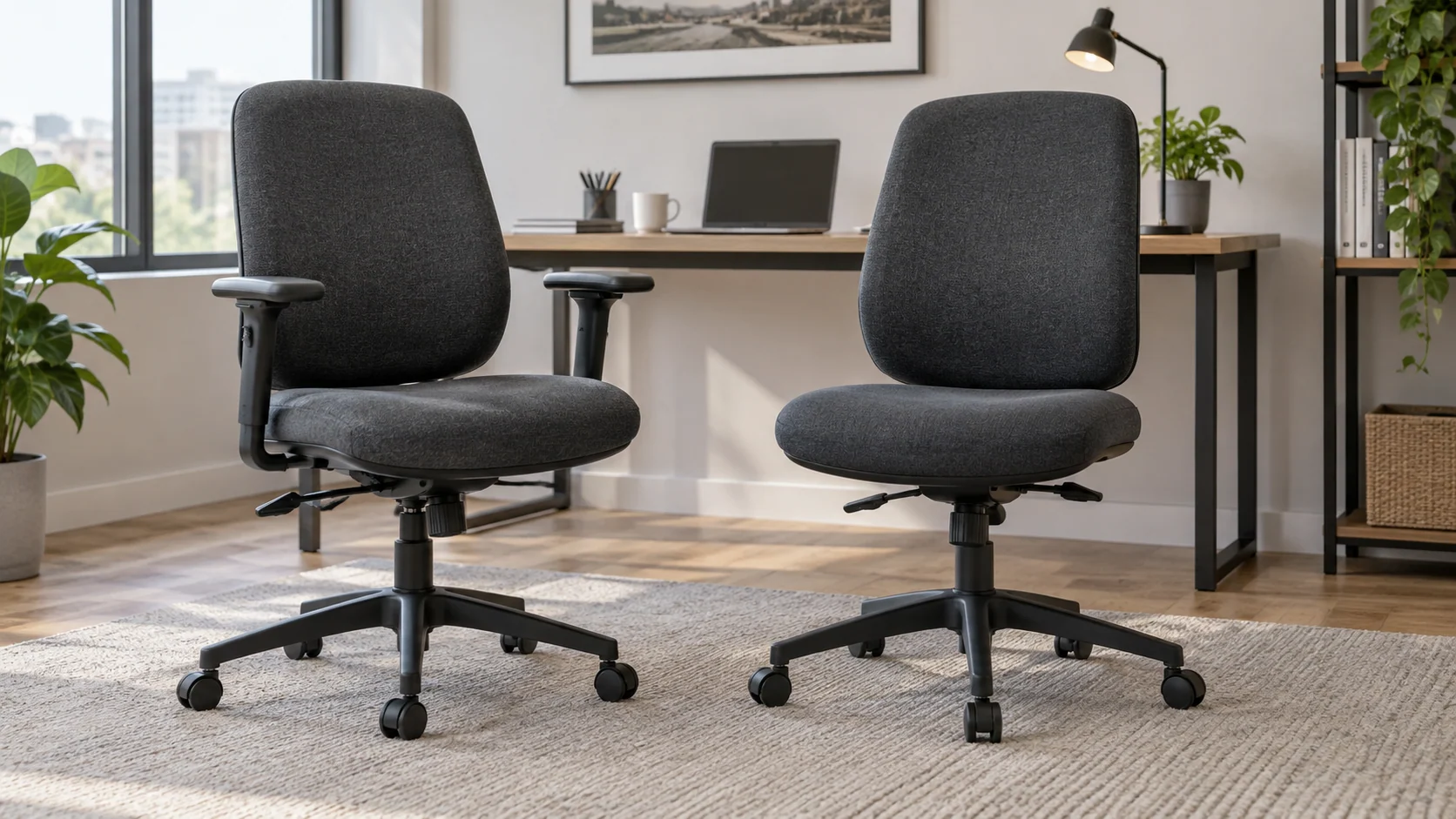
Short answer
Armrests may provide a useful resting surface when their position suits the user and task. An armless chair offers fewer obstacles around a tight desk or frequent entry and exit. Compare the actual desk clearance and adjustment range before deciding.
Choose on purpose
Which option fits which situation?
Choose arms when they provide useful support without blocking the working position, and their adjustment range fits the user.
Choose a suitable armless design when arm clearance or frequent entry matters more; do not assume any chair can be converted.
Side by side
Office chairs with arms vs without arms
| Decision | Chairs with arms | Chairs without arms |
|---|---|---|
| Desk approach | Arms may meet the edge or underside | No armrest collision at the desk |
| Adjustment | Check height, width and pad position | No arm controls to set |
| Overall width | Measure to the outside of the arms | Often narrower, but base width still matters |
| Entry and exit | Depends on arm shape and nearby furniture | Open sides can simplify movement |
| Used inspection | Check pads, joints and adjustment locks | Check the seat and frame are designed as armless |
| Conversion | Removal only if manufacturer-supported | Do not assume spare arms can be added |
Practical example
Check the chair at working height, not storage height
Illustrative fit check: the desk frame is 650 mm above the floor and the chair’s arms are 680 mm high at the correct seated setting.
| Check | Option or calculation | What it tells you |
|---|---|---|
| Arm/frame difference | 680 − 650 = 30 mm | The arms cannot pass under that frame |
| Possible remedy | Suitable adjustable arms may lower independently | An appropriate armless model removes that obstacle |
| What does not answer the question | Lowering the whole chair just to tuck it away | Removing structural parts without instructions |
An office chair needs to work while someone is seated, not merely disappear beneath the desk overnight. Check the narrowest part of the approach, including drawers, frame rails and the distance between table legs. Use the same working seat height when comparing both options.
Some people also use arms when getting into or out of a seat. If that is important, assess that movement as well as typing. The better choice may be a different arm shape or adjustment range rather than abandoning arms entirely.
HSE also identifies chair arms as a possible obstruction to approaching equipment: DSE workstation checklist, furniture section
A practical route to a decision
Record the room, route and working clearances.
List what the users and the task actually require.
Compare the condition and completeness of the real options.
Know what is being compared
Chairs with arms
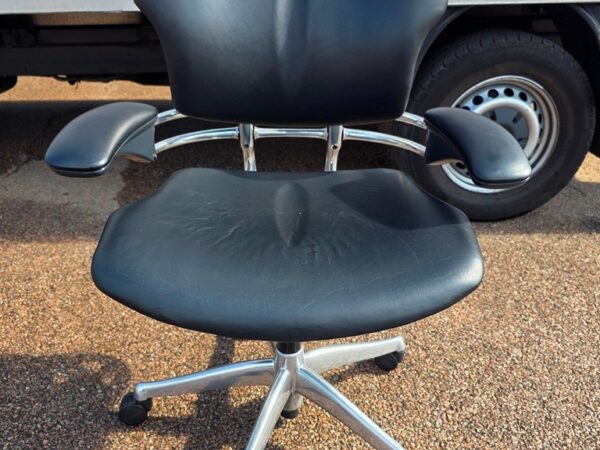
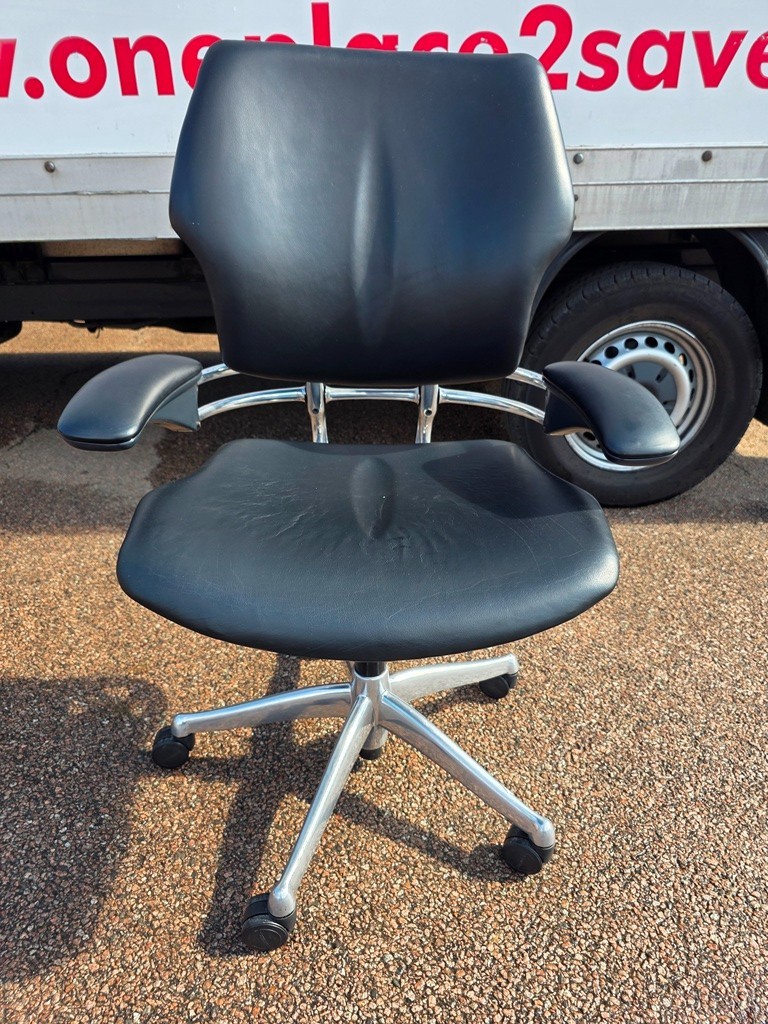
A chair with arms may have fixed, height-adjustable or multi-directional armrests. Those designs behave differently, so the presence of arms alone tells you little about fit.
Chairs without arms
An armless chair leaves the sides of the seat open. It may be a task chair or occasional chair; removing armrests does not automatically make another model equivalent.
The details that change the decision
Measure under the desk, not just to the desktop
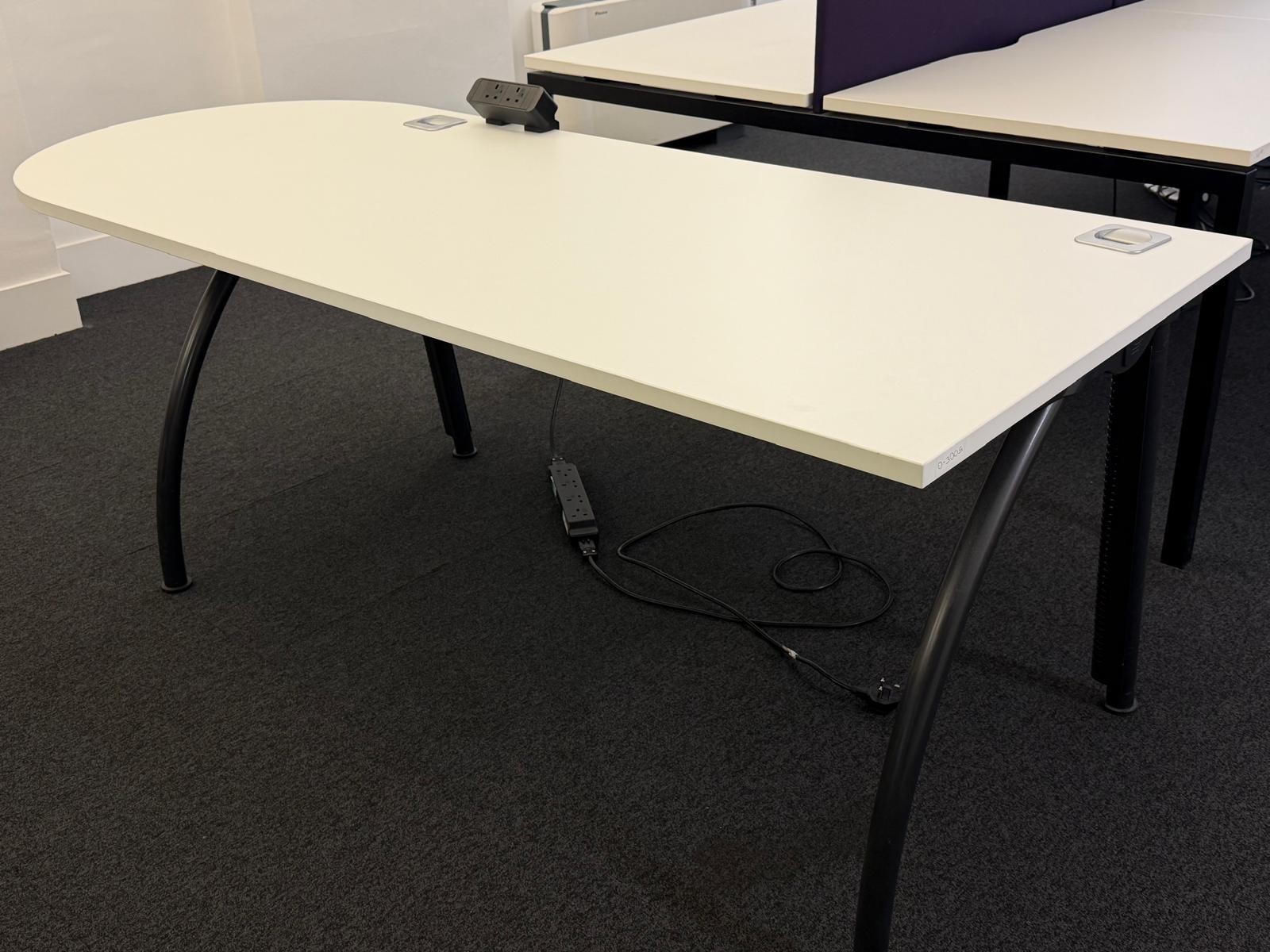
The lowest obstacle may be a frame rail or drawer rather than the top itself. Measure the available space and compare it with the armrests at the chair height you actually need. A chair can fit under the front edge yet stop against the frame further in.
HSE’s workstation checklist notes that chair arms can prevent a user getting close enough to equipment. Use that as a practical check, not as an instruction to remove arms from every chair. The whole setup matters.
Adjustable arms need a useful range
An armrest that moves a little may still not reach a useful position. Check the lowest and highest settings, whether the pads move inward and whether the controls stay secure during use. Compare both sides; a used chair may have one worn mechanism.
Think about the normal task. People who move between typing, writing and turning to another surface may want different freedom from those who remain in one position. Try the movement at the intended workstation if possible.
Do not improvise a conversion
Some chairs are designed to be supplied with or without arms. Others rely on particular fixings or construction. Before removing or adding components, check the model instructions and whether the change affects support, stability or warranty conditions.
If buying an armless chair, ask whether it was designed that way or has had parts removed. Visible mounting points are not always a problem, but the seller should be able to explain the configuration and confirm that it is complete for its intended use.
Put it in a real room
A desk with a shallow drawer under the front
A chair’s armrests may pass beneath the desktop but hit the drawer box before the person reaches the keyboard. In this case, lower adjustable arms might solve the conflict; a correctly specified armless chair may be another option. The choice should be tested at the working seat height. Lowering the entire chair only to hide it under the desk does not answer whether the workstation fits.
Before ordering
Five checks worth doing
- 01Measure the lowest desk obstruction and the working seat height.
- 02Check outside arm width as well as seat width.
- 03Test both arm mechanisms through their full adjustment range.
- 04Inspect arm pads, fixings and cracks around mounts.
- 05Confirm any removal or addition of arms is supported for that model.
Clear answers
Frequently asked questions
Are armless chairs less ergonomic?
Not automatically. Suitability depends on the person, task and complete workstation. A feature is only helpful if it fits and is used appropriately.
Can I remove the arms from any office chair?
No. Check the manufacturer’s design and instructions before changing the configuration.
Do flip-up arms solve every clearance problem?
No. They may help with storage or entry, but you still need to check their usable position while working.
Useful source material
Ready to compare real options?
Take the brief to current stock.
Check the fit, fitted adjustments and condition of the seating currently listed. Condition, quantity, price and delivery can change, so verify the current listing and order details.