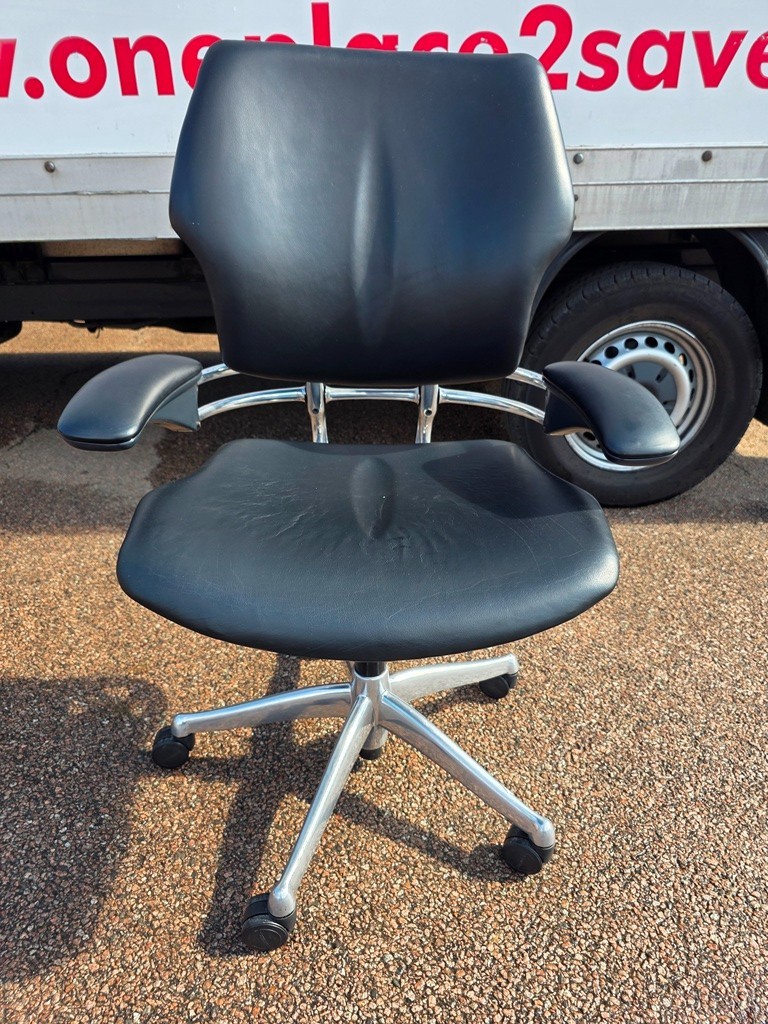



Comparison guide · Office chairs & seating · 01
Operator chairs vs executive chairs: look underneath the job title
An executive label can make a chair sound like an upgrade before you have touched a lever. For a working chair, the more useful question is what adjusts and whether it fits.
Get the short answer
Short answer
Operator chairs usually emphasise everyday task seating, while executive chairs often emphasise a larger, more substantial appearance. The categories overlap. Choose using the actual adjustment range, dimensions, user fit and condition—not seniority, padding or the product name.
Choose on purpose
Which option fits which situation?
Choose an operator/task chair when its dimensions and usable adjustments support the everyday desk task.
Choose an executive chair when it meets the same fit checks and its size and appearance suit the room; the label is not an upgrade by itself.
Side by side
Operator chairs vs executive chairs
| Decision | Operator chairs | Executive chairs |
|---|---|---|
| Typical emphasis | Desk-based task use | Appearance and a substantial seated presence |
| Adjustment | Check the actual mechanisms | Do not assume more features from the name |
| Footprint | Often relatively compact | May need more width and recline space |
| Desk fit | Check seat height, depth and arms | Check bulky arms and back clearance |
| Used condition | Test levers, lift and upholstery | Also inspect thick padding and trim |
| Buying decision | Fit and functioning controls | Fit and functioning controls |
Know what is being compared
Operator chairs
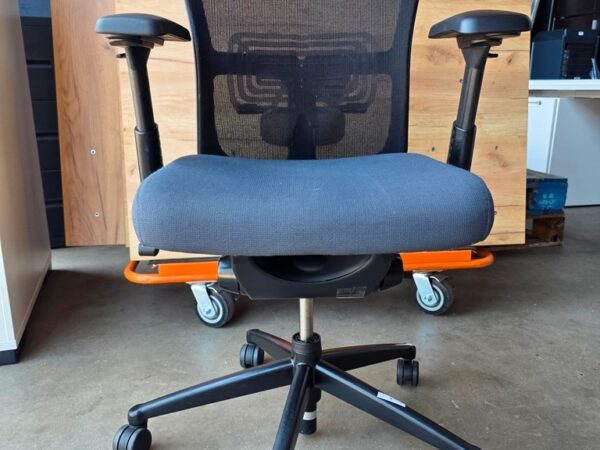
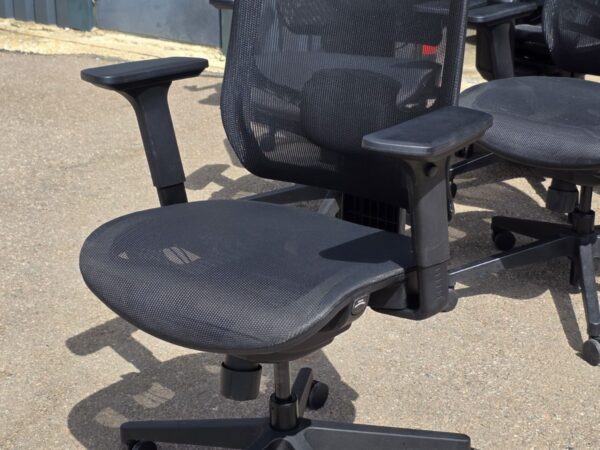
Operator chairs are commonly sold for desk-based tasks. A compact appearance is typical, but the controls and support features vary widely between models.
Executive chairs
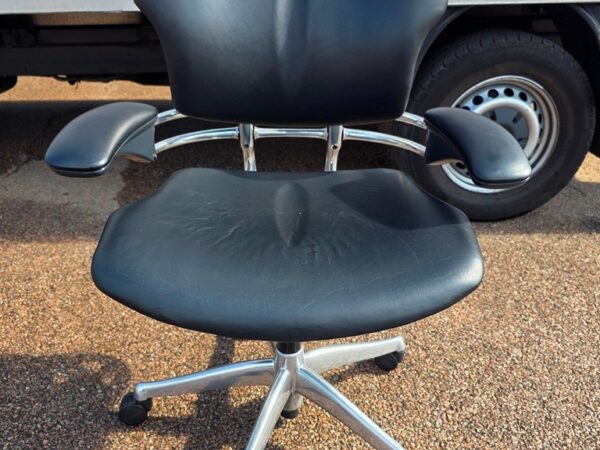
Executive chairs are commonly marketed with larger backs, padded upholstery or a more formal appearance. Some offer extensive adjustment; others have only basic controls.
Practical example
Ask the seller to demonstrate three movements
A practical comparison sequence, not a test result or a rating of any particular model.
| Check | Option or calculation | What it tells you |
|---|---|---|
| Seat height | Adjust to the required working position | Check that the setting holds |
| Back and recline | Identify the fitted adjustment or tilt control | Confirm the user can operate it |
| Arms and depth | Check the available range, where fitted | Try the chair against the actual desk |
A product description may group several versions under one model name. Record what the supplied chair actually does: fixed or sliding seat, fixed or adjustable arms, and which back or tilt controls are fitted. Features not present on that version should not influence the comparison.
Then compare the condition and the price of the complete chair. New arm pads or fresh fabric can improve appearance without changing its adjustment range. A simpler chair that fits may be preferable to a larger one that cannot approach the desk properly.
Put it in a real room
The director and the analyst use the same desk setup
If both roles involve similar screen work, there is no automatic reason to buy different chair categories. They may need different sizes or adjustments because they are different people, but job title alone tells you little. Start with the workstation requirements, then choose an appearance that fits the office. A restrained task chair can be entirely appropriate in an executive room.
The details that change the decision
Count useful adjustments, not visible levers
A control is valuable when it changes something the user needs to change. Compare seat height, seat depth where provided, backrest adjustment, arm position and recline behaviour. Ask for a demonstration of the actual functions rather than judging the number of handles under the seat.
Some chairs combine several adjustments in one control; others have separate controls. Either arrangement can work. What matters is whether the mechanism functions properly and the person using the chair can understand it.
More padding does not prove a better fit
A deep padded seat may look comfortable but still be too deep for a particular user. A wide executive chair can also be awkward at a narrow desk. Compare dimensions with the workstation, including where the armrests meet the desktop.
Try the chair while carrying out the intended task, not only leaning back in a showroom. If you cannot get close enough to the desk or reach the controls easily, an impressive backrest does not solve that problem.
Used chairs need an individual inspection
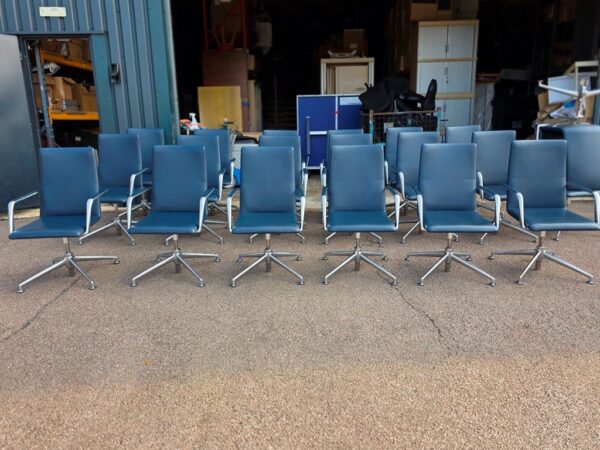
A matching batch can contain chairs with different mechanisms, arm options or replacement parts. Check the specification of the supplied batch and ask how condition is assessed. Similar upholstery is not evidence that every chair functions identically.
Inspect the base, castors or glides, lift, back attachment and arm pads. Ask about available replacement parts and the seller’s actual warranty. Do not assume an original manufacturer warranty transfers to a second-hand buyer.
Before ordering
Five checks worth doing
- 01Identify the exact model and available adjustments.
- 02Compare seat width, depth and height range with the intended user.
- 03Test recline and locking functions rather than assuming they work.
- 04Check the arms against the desk and the back against nearby furniture.
- 05Confirm upholstery condition, parts availability and seller support.
Clear answers
Frequently asked questions
Are executive chairs more ergonomic?
Not by definition. Ergonomic suitability depends on the chair, user and workstation, not a marketing category.
Can an operator chair be used all day?
Assess the specific chair and workstation. A category name is not a reliable guarantee of suitability for a particular duration or person.
Is a high back always better?
No. Back height is one dimension among several. The position and function of the support matter as well.
Useful source material
Ready to compare real options?
Take the brief to current stock.
Check the fit, fitted adjustments and condition of the seating currently listed. Condition, quantity, price and delivery can change, so verify the current listing and order details.